3D Slicer 5.10 Now Available for Download
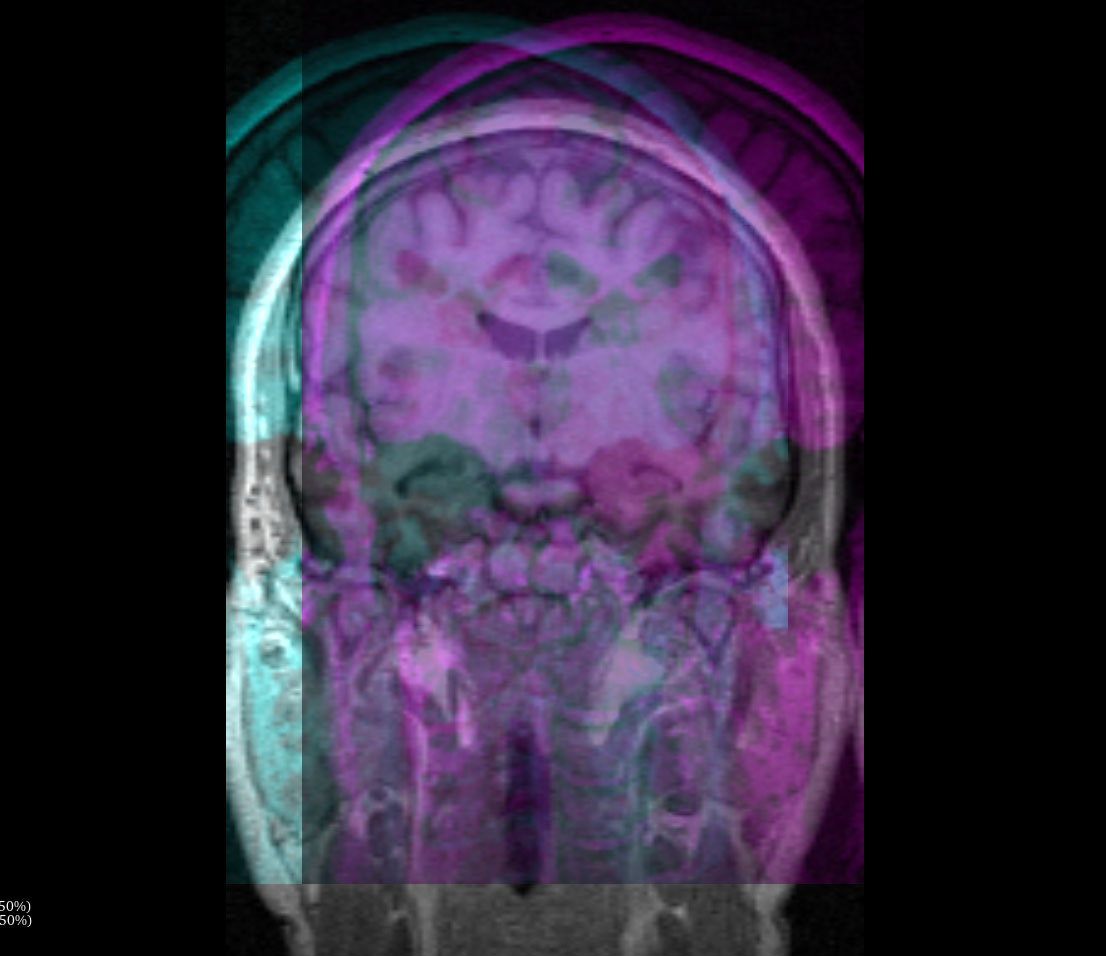
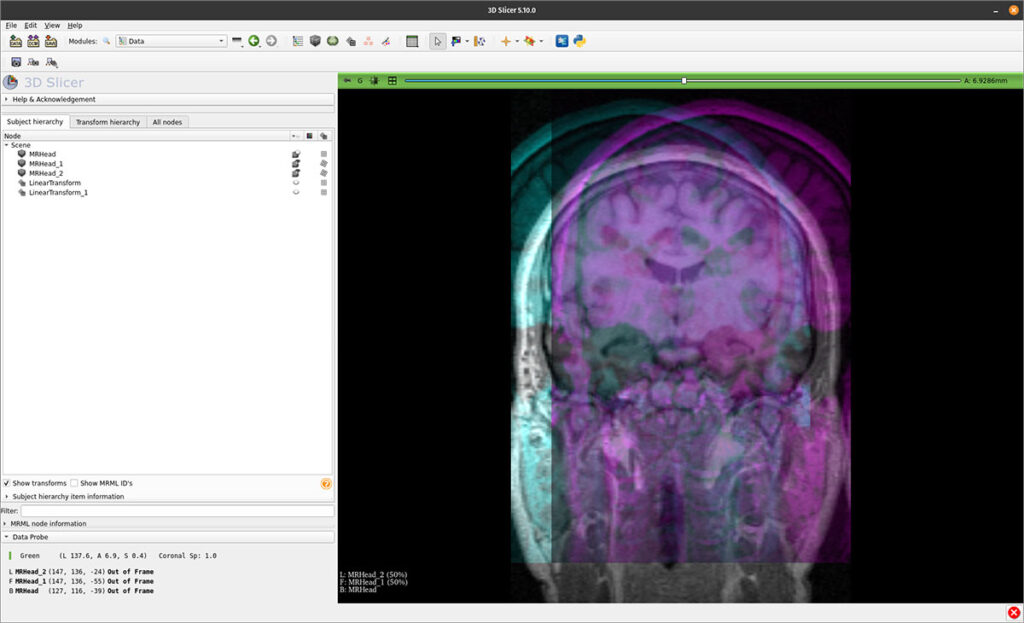
The 3D Slicer developer community is excited to announce the release of 3D Slicer 5.10, now available for download. This catch-up release represents a major step forward as the project prepares for the upcoming Slicer 6.0 milestone. Version 5.10 brings an extensive collection of improvements, bug fixes, infrastructure upgrades, and new capabilities across the platform, ensuring a stable, powerful foundation for both users and extension developers.
3D Slicer continues to grow worldwide, with earlier versions surpassing 2.2 million downloads of the core application and 8.8 million downloads of extensions over the last decade. These achievements are driven by a vibrant global community of researchers, clinicians, developers, and commercial partners. We extend our gratitude to everyone who contributes to Slicer’s development, documentation, training resources, testing, and design discussions. To learn more about funding and community contributions, please visit the 3D Slicer Acknowledgments page.
What’s New in 3D Slicer 5.10
Version 5.10 introduces advances across performance, usability, rendering, data I/O, infrastructure, and extension development. Key highlights include:
Python 3.12 Upgrade
Slicer now builds on Python 3.12, bringing performance improvements, enhanced typing support, and compatibility with modern scientific Python packages. This upgrade required extensive changes across Slicer’s scripting, packaging, and module initialization systems, ensuring a robust and future-ready Python environment.
5D NRRD Support
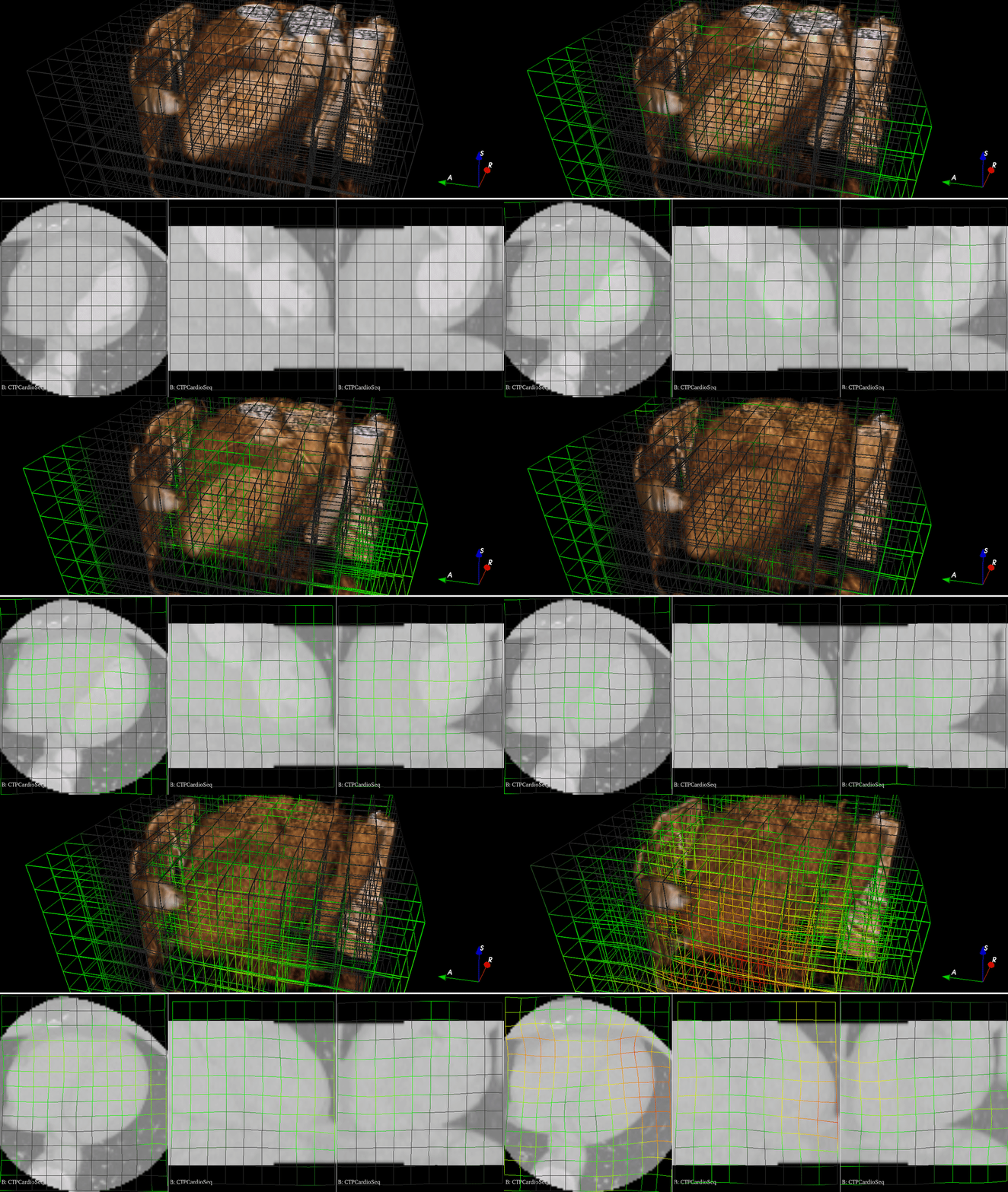
Slicer 5.10 introduces support for reading and writing five-dimensional NRRD files, enabling representation of advanced data types such as:
- sequences of 4D images (e.g., dynamic or 3D RGBA volumes),
- sequences of vector fields,
- multi-component transform grids, and more.
This opens the door to richer temporal, multi-channel, and transform-heavy workflows.
Easier Volume Rendering Adjustments
Volume rendering workflows receive a significant usability boost. Users can now:
- adjust window/level directly in the 3D view, just like in slice views,
- quickly modify the rendering parameters for whichever volume they click on when multiple volumes are visible,
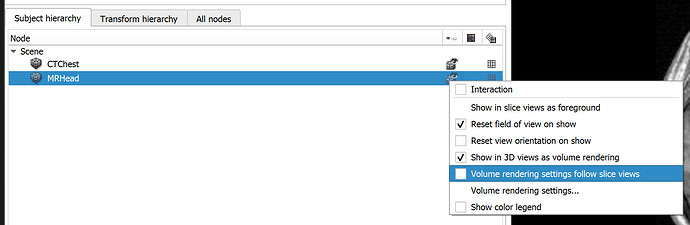
- synchronize rendering parameters with slice views using the new “Volume rendering settings follow slice views” option for consistent window/level, color tables, and threshold settings.
These improvements make interactive visualization more intuitive and significantly reduce friction when fine-tuning 3D views.
Secure DICOM Communication with TLS
Slicer’s DICOM networking tools now support TLS authentication:
- The DICOM storage listener in the DICOM module can receive encrypted connections.
- The DICOM Sender automatically configures TLS when using the DIMSE protocol.
This helps support secure research workflows and better alignment with clinical IT and PACS environments.

New Line Profile Module
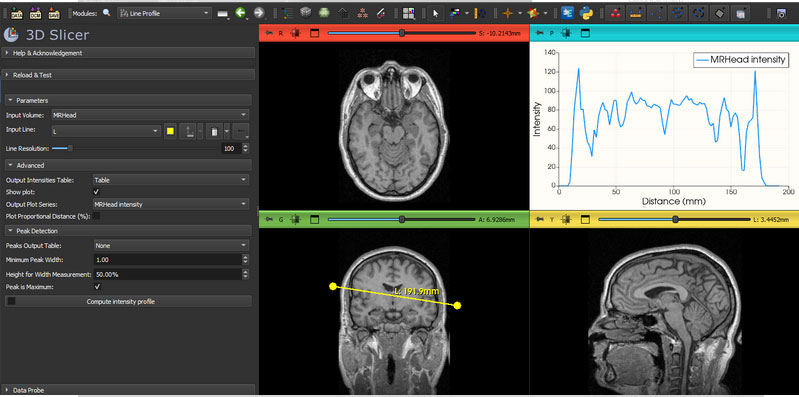
A new Line Profile module makes it easy to compute and visualize image intensity profiles along a line or curve. This is particularly useful for:
- imaging quality control and validation,
- characterization of signal changes along structures,
- quantitative analysis in research workflows.
Improved Slice-View Layer Management
Underlying slice pipeline classes have been refactored to support an arbitrary number of blended layers. Updates to vtkMRMLSliceLogic and vtkMRMLSliceCompositeNode introduce a more flexible API for managing and blending multiple layers in slice views. This groundwork will enable richer multi-modal visualization and more sophisticated compositing strategies in upcoming releases.
Toward Web-Native Slicer with trame
Slicer 5.10 incorporates infrastructure updates to support using Slicer over the web via trame integration. trame Slicer bridges 3D Slicer’s core components to a trame web server, enabling browser-based access to Slicer functionality and paving the way for cloud-native and remote visualization workflows.
New and Updated Extensions
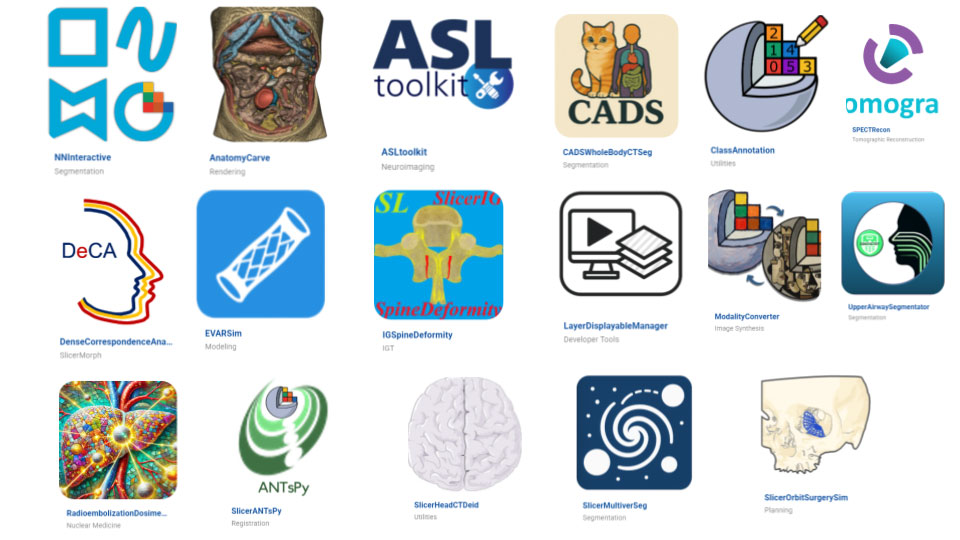
More than 15 new extensions are available, expanding Slicer’s capabilities in:
- AI-based segmentation & annotation (e.g., NNInteractive, SlicerMultiverSeg, ClassAnnotation),
- automated anatomical segmentation (e.g., CADSWholeBodyCTSeg, UpperAirwaySegmentator),
- shape analysis (DenseCorrespondenceAnalysis),
- modality conversion and synthesis (ModalityConverter),
- surgical planning and simulation (EVARSim, SlicerOrbitSurgerySim),
- de-identification and PHI removal (SlicerHeadCTDeid),
- advanced reconstruction and dosimetry (SPECTRecon, RadioembolizationDosimetry),
- and more specialized research workflows.
All existing extensions have been maintained and updated to account for API changes, build system updates, and new infrastructure.
Performance, Reliability, and Usability Improvements
Slicer 5.10 includes hundreds of fixes and optimizations across the application. Highlights include:
- more robust volume sequence and multi-file volume loading,
- improved volume rendering for large datasets and macOS,
- fixes for multi-volume bounds, clipping, and compositing,
- more reliable DICOM scene export and SEG handling,
- improved segment editor behavior and undo/redo,
- better handling of transforms, sequence browser nodes, and scene views,
- more resilient color table and terminology management,
- smoother subject hierarchy interactions,
- and numerous stability improvements in automated tests and startup logic.
Together, these changes make 3D Slicer 5.10 a more stable, performant, and polished platform across Windows, macOS, and Linux.
Core Infrastructure Upgrades
Behind the scenes, Slicer 5.10 delivers extensive infrastructure updates to keep pace with modern toolchains and prepare for major future changes:
- groundwork for Qt6 integration while still building with Qt 5.15.2,
- updates to key libraries including ITK 5.4.3, VTK 9.4/9.5, SimpleITK 2.5.2, JsonCpp, RapidJSON, libarchive, bzip2, zlib-ng, teem, BRAINSTools, and others,
- modernization and consolidation of CTK and PythonQt integration,
- improved compatibility with CMake 4 and contemporary compilers,
- build-system refinements for custom Slicer applications and extensions.
These upgrades ensure Slicer remains sustainable and compatible with upcoming OS, hardware, and ecosystem changes.
Learn What’s New: Upcoming Kitware Webinar
To help the community get the most out of this release, Kitware is hosting a dedicated webinar:
Webinar: 3D Slicer 5.10: New Workflows, Tools, and Core Upgrades
Date: December 10, 2025
Time: 12:00–1:00 PM ET (Kitware)
In this live session, members of the Slicer team will:
- walk through key improvements in volume rendering, DICOM data handling, and segmentation workflows,
- demonstrate new core modules such as Curved Planar Reformation and Line Profile,
- showcase new extensions for segmentation, registration, synthesis, and surgical planning,
- and answer questions during an extended Q&A segment.
You can learn more and register on Kitware’s website:
Register for the webinar.
Get Started with Slicer 5.10
🚀 Download Slicer 5.10 today! Get started at www.slicer.org
We encourage users to explore the new features and share their feedback with the community. Your input helps shape the future of Slicer!
We extend our deepest gratitude to the incredible 3D Slicer developer community and contributors who made this release possible!