Trame for React applications
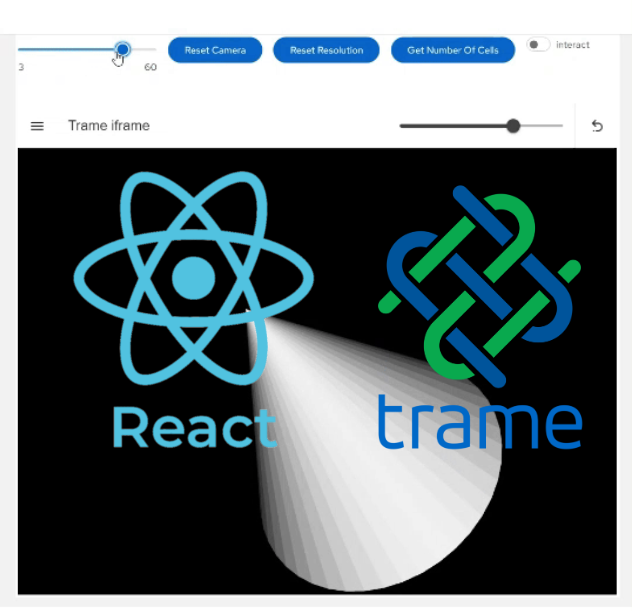
Trame has empowered non-web-savvy developers to quickly create sophisticated and interactive web applications for scientific and medical visualization thanks to the different Vue.js front-ends (e.g., Vuetify, Quasar). However, teams with experienced web developers and complex applications may prefer not to redesign their existing React-based UI/UX with trame if they only need 3D visualization and dataset processing. What if you could combine the flexibility of React’s component-based architecture with the computational strength and interactivity of trame?
Meet trame-react, a module designed to integrate trame’s capabilities into React-based applications, unlocking new possibilities for scientific visualization, real-time data exploration, and more.
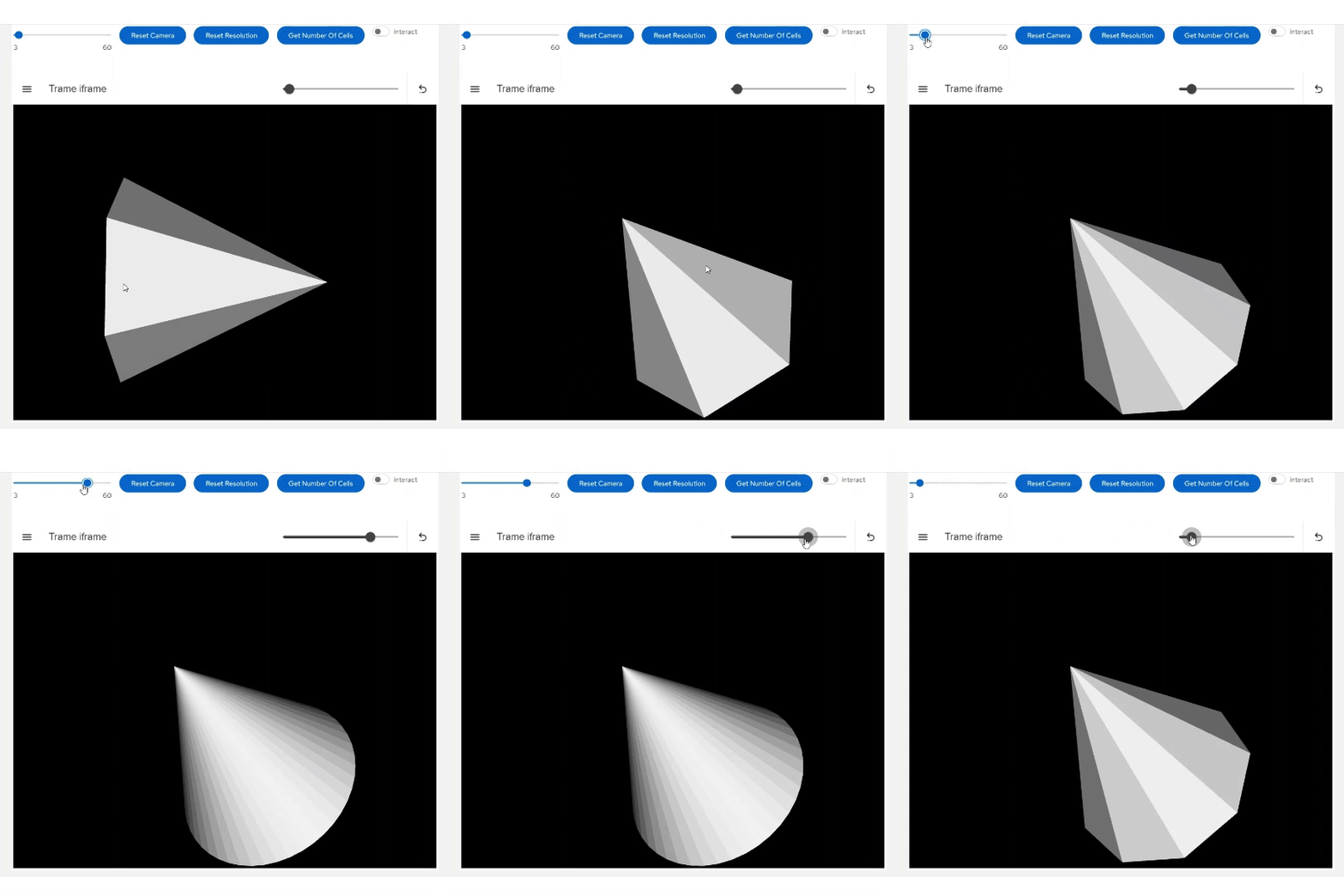
What is trame-react?
trame-react is a module that acts as a bridge between React and trame. It leverages trame’s powerful backend capabilities—which use Python for server-side computation—and brings them into the React ecosystem. This integration allows developers to:
- Use React’s declarative UI components alongside trame’s real-time data synchronization.
- Integrate visualization libraries like VTK (Visualization Toolkit), ParaView or 3D Slicer into React projects.
- Build reactive, high-performance web applications for scientific workflows and other demanding use cases.
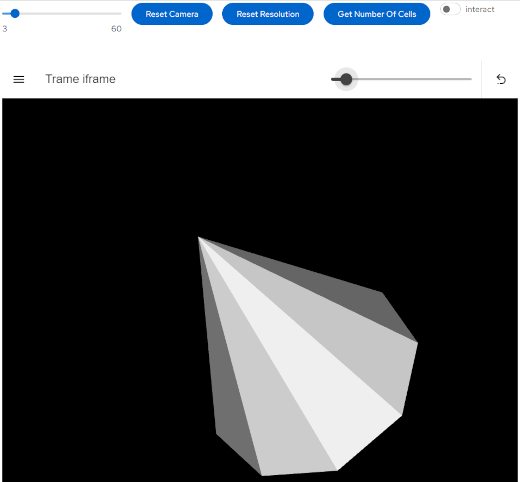

A React component for scientific visualization
trame-react provides a React component that wraps an iframe. Messages can be passed to and from the iframe. This is being handled automatically by the provided React component. You can then effortlessly render in your React application 3D images and surface meshes, volumetric meshes, or a multiblock dataset. The following snippets set up a React toolbar and a trame viewport that connects to a trame server in just a few lines of code.
import { TrameIFrameApp } from "trame-react";
[...]
function App() {
  return (
    <Toolbar>...</Toolbar>
    <TrameIframeApp url="http://localhost:8080/" />
  );
}
[...]
### Setup VTK pipeline
renderer = vtkRenderer()
renderWindow = vtkRenderWindow()
renderWindow.AddRenderer(renderer)
renderWindowInteractor = vtkRenderWindowInteractor()
renderWindowInteractor.SetRenderWindow(renderWindow)
cone_source = vtkConeSource()
mapper = vtkPolyDataMapper()
actor = vtkActor()
mapper.SetInputConnection(cone_source.GetOutputPort())
actor.SetMapper(mapper)
renderer.AddActor(actor)
renderer.ResetCamera()
renderWindow.Render()
### Build UI
with SinglePageLayout(server) as layout:
with layout.content:
html_view = vtk_widgets.VtkLocalView(
renderWindow))
if __name__ == "__main__":
server.start()trame-react allows for real-time communication between React components and the Python backend. You can:
- Pass data and state updates from Python to React (and vice versa) using WebSockets.
- Execute Python functions directly from your React application, enabling server-side processing.
const [appState, setAppState] = useState({
    a_variable: 20,
    another_variable: 'a string',
  });
[...]
trameCommunicator.current.state.watch(
    ['a_variable', 'another_variable'],
    (a_variable, another_variable) => {
        setAppState((prevState) => ({
            ...prevState,
            a_variable,
            another_variable,
        }));
    });
This integration simplifies workflows where complex computations are handled server-side while the UI remains responsive and interactive.
In the future, the React state will be synchronized with the trame state.
Getting started
While trame includes first-class support for modern UIs using Vue/Vuetify, trame-react is primarily aimed at enabling React-based applications to incorporate 3D rendering capabilities, on the client or the server. New projects may still prefer the native trame UI approach.
Check out the trame-react repository for installation instructions, usage guides, and examples.