Unlock the Full Potential of Medical Imaging with 3D Slicer 5.10
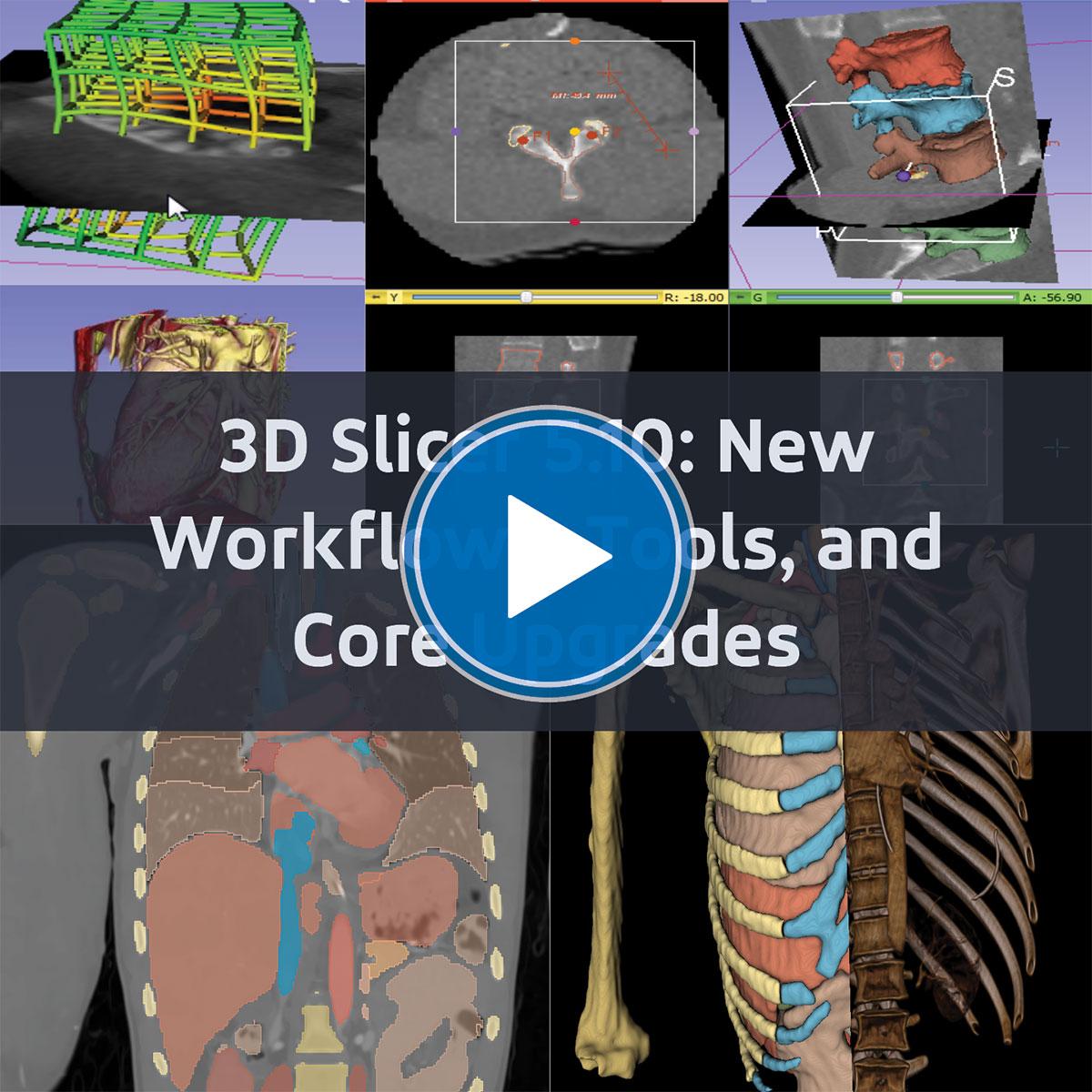
Medical imaging researchers and product developers are continually seeking ways to streamline workflows, improve accuracy, and leverage the latest image-analysis tools. The recent release of 3D Slicer 5.10 delivers exactly that—offering new workflows, enhanced tools, and core upgrades that empower users to tackle complex imaging tasks more efficiently.
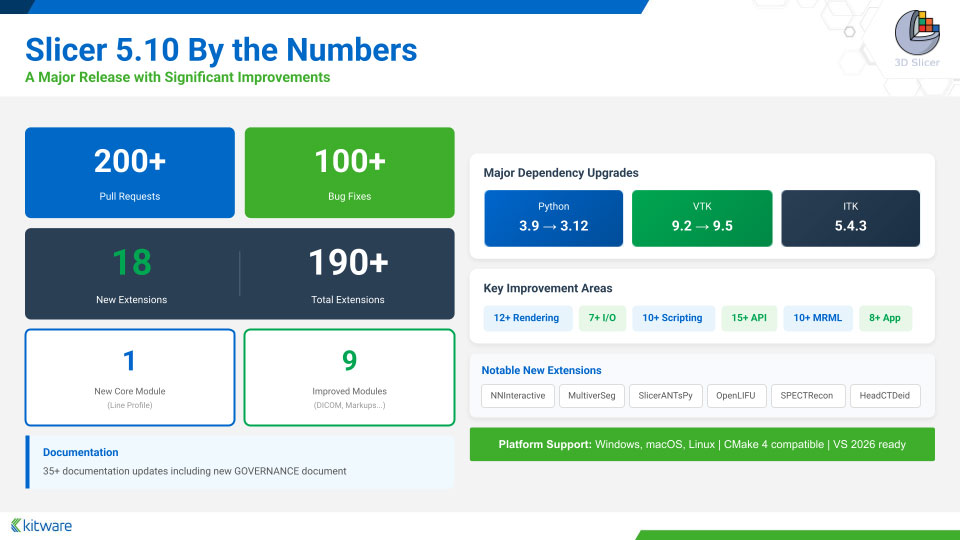
This release introduces significant improvements to volume rendering, DICOM data handling, and segmentation workflows, along with innovative core modules, including Curved Planar Reformation and Line Profile. A diverse set of extensions now supports segmentation, registration, synthesis, and surgical planning, providing a robust platform for advanced medical imaging projects.
Key Updates and Enhancements in 3D Slicer 5.10
- Seamless integration with modern Python libraries, enabling future-ready development.
- Reduced friction in segmentation tasks, allowing faster and more precise labeling.
- Improved interoperability and data loading reliability for smoother multi-format workflows.
- Enhanced image exploration, helping researchers extract insights with greater confidence.
During our recent webinar, experts Andinet Enquobahrie, Sam Horvath, and Ebrahim Ebrahim demonstrated these tools live, showing how the 5.10 release improves performance, reliability, and workflow efficiency. Watch the full webinar to see 3D Slicer 5.10 in action.
Maximize the Full Potential of Your 3D Slicer Imaging Tools
Whether you’re looking to optimize segmentation, explore new registration methods, or integrate cutting-edge Python libraries into your workflow, 3D Slicer 5.10 provides the tools and flexibility to advance your medical imaging projects—backed by expert support from Kitware, including maintenance, training, and custom development to help your team get the most out of the platform.
- Maintenance keeps Slicer running smoothly with timely issue resolution and ongoing guidance.
- Training builds confidence with live, hands-on sessions led by Slicer’s core developers, tailored to your team’s workflows and goals.
- Custom Development extends Slicer to meet your needs—adding features, building branded applications, integrating hardware, and enabling web, cloud, and AI workflows.
Contact Kitware today for advanced support or customization to maximize the impact of 3D Slicer in your research or product development.