What’s New in ParaView 6.2
ParaView 6.2 introduces faster processing for polyhedral cells, new options for exporting time-varying data, expanded support for canceling operations, and new options for stereo rendering in CAVE environments.
The release also includes updates across ParaView’s filters, readers and writers, ParaView’s interface, plugins, Python scripting, virtual reality, and Catalyst. For a complete listing of new features in ParaView 6.2, please refer to the ParaView 6.2 release notes.
Faster Processing for Polyhedral Cells
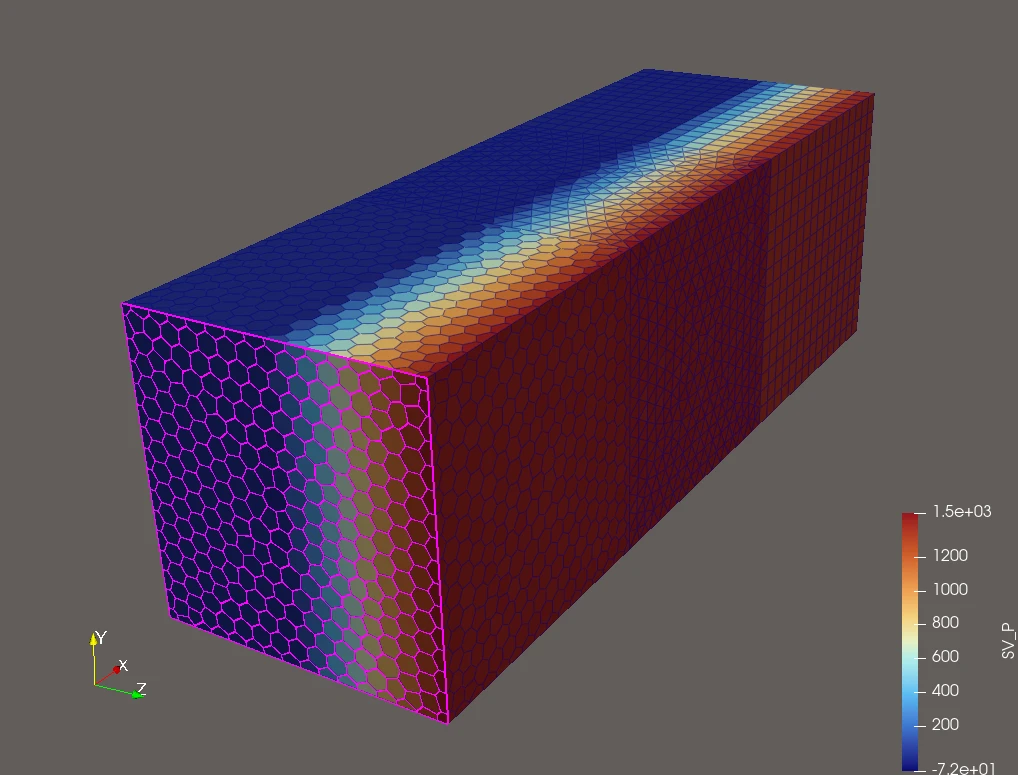
ParaView 6.2 includes significant performance improvements for polyhedral cells.
Previously, contouring, plane cutting, clipping, and surface extraction fell back to slow serial code when processing polyhedral cells. VTK’s core polyhedron operations have now been rebuilt and connected to its threaded filters.
Testing using eight cores and datasets with up to 125 million cells showed:
- Contour was approximately 60-110x faster.
- Clip was approximately 13-15x faster.
- Extract Surface was approximately 6x faster.
The release also includes performance optimizations for filters applied to static meshes whose topology and point locations do not change over time. These improvements apply to the filters Append Datasets, Append Geometry, Clip, Slice, Slice with Plane, and Transform.
Export Time-Varying Data as Scenes
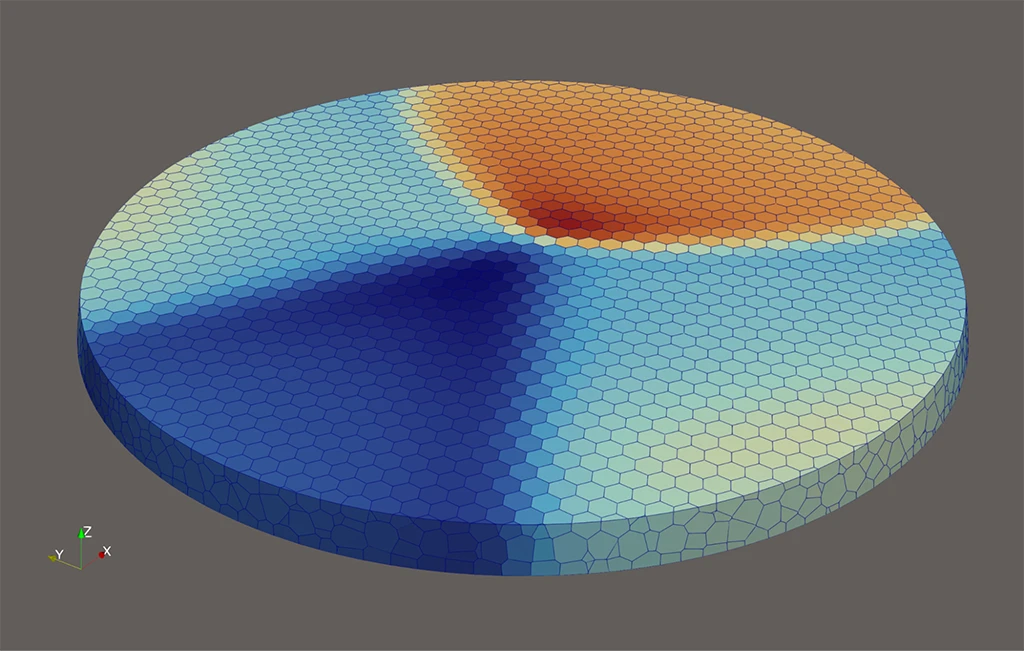
ParaView 6.2 expands options for exporting data over time.
The SpreadSheet View now includes a Write Time Steps option that can create one file per timestep. Users can also control the export with Frame Stride and Frame Window settings.
Render View can now be exported over time to Alembic and OpenUSD formats. The new Write Timesteps option produces one file plus supporting texture images for each timestep.
Expanded Ability to Cancel Long-Running Operations
Support for canceling operations has also been expanded.
The Abort button at the bottom of ParaView’s main window becomes available after the Apply button is pressed. It works in client/server and client/data server/render server modes. Please note that this capability is not yet available for multi-rank remote servers.

New CAVE and Stereo Rendering Options
ParaView 6.2 adds new options for stereo rendering in CAVE environments.
Users can specify Left or Right stereo types for individual machines in .pvx configuration files. A new Original Configuration option can reset server stereo settings to their initially configured values.
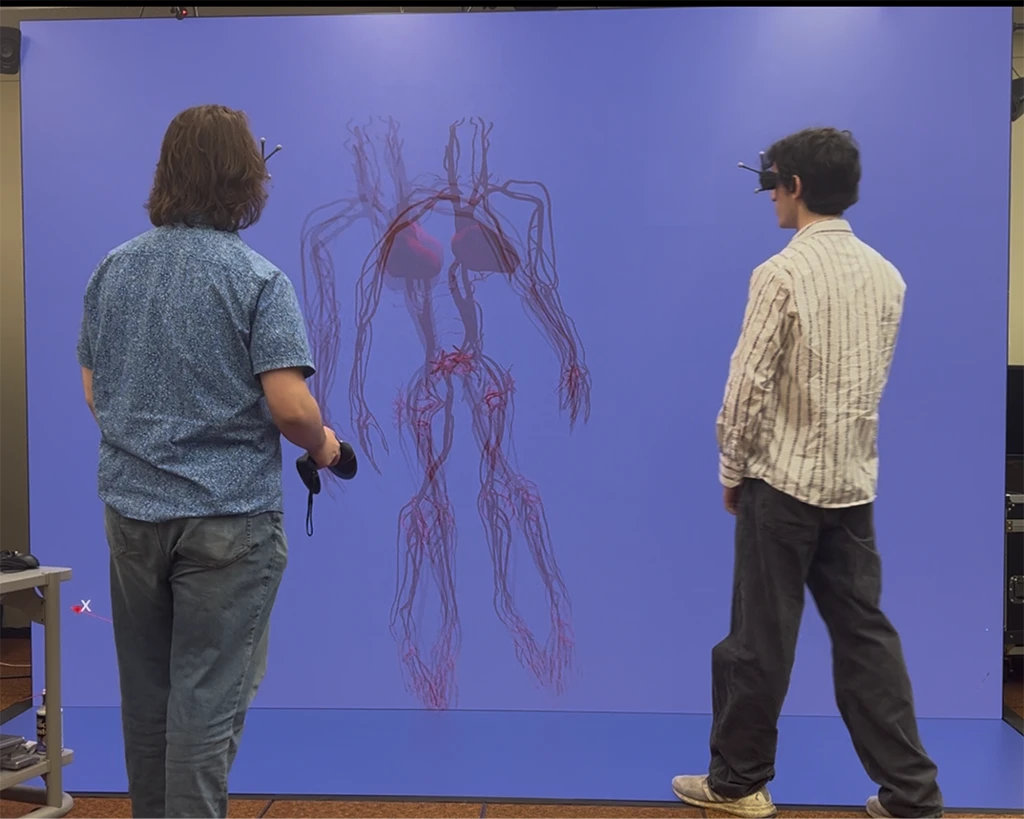
CAVEs can now support multiple head-tracked users simultaneously. Each machine can be assigned a ViewerId and configured with a per-viewer eye-transform matrix and eye-separation properties. The Track interactor style also supports any number of independent viewers.
Python Calculator Expression Assistance
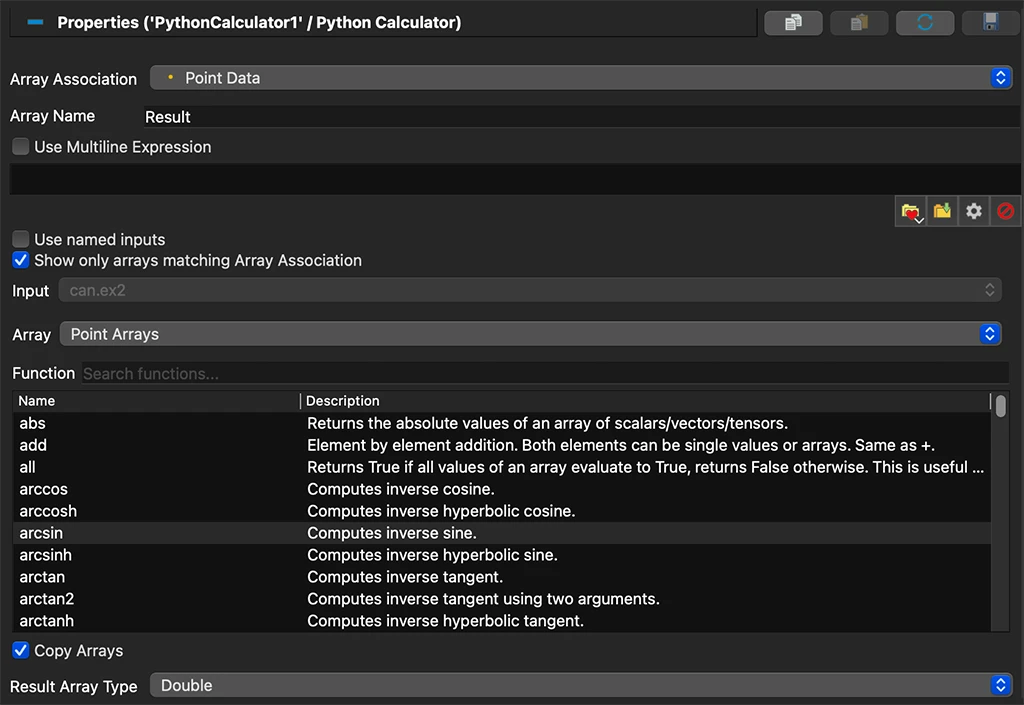
The Python Calculator got easier to use in this release. Expressions can now use Pipeline Browser names instead of numeric indices. New helpers are also available for selecting inputs, arrays, and functions, and the user interface was improved to show what functions are variables are available for use in an expression.
Updates in Readers and Writers
Readers and writers receiving updates in this release include VTKHDF, openPMD, Fluent CFF, and MPAS.
Work With Kitware
Kitware provides paid ParaView support and software customization for branding, new features, and custom post-processors.
Contact us to discuss your ParaView needs.