Generating SBOMs with CMake
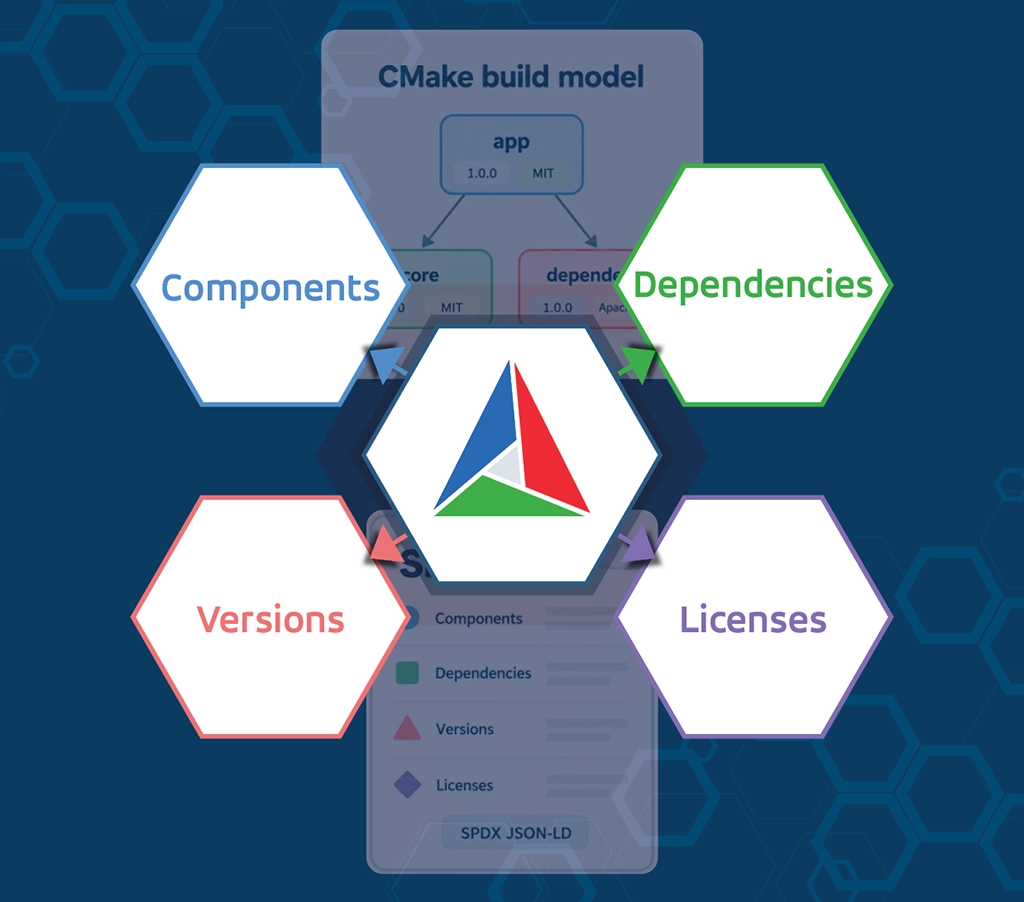
CMake now includes experimental support for directly generating Software Bills of Materials (SBOMs) from a project’s build description. Instead of relying on post-build scanners, you can produce a standards-based SBOM from the same dependency graph CMake already uses to compile and link your project. The first supported output format is SPDX. The design allows additional SBOM formats to be added in the future as the feature matures.
What Is an SBOM?
A Software Bill of Materials (SBOM) is a machine-readable inventory of the components that make up a software system. It typically includes:
- Package names and versions
- Dependency relationships
- License identifiers
- Checksums and metadata
SBOMs support cybersecurity analysis, license compliance, auditing, and long-term sustainment. They do not perform vulnerability analysis themselves; instead, they provide structured data that downstream tools can use for impact and compliance evaluation.
CMake’s initial implementation generates SBOMs using SPDX 3.0.1 JSON-LD, a standardized representation of software component metadata. By embedding SBOM creation into the build itself, projects avoid ambiguity and reduce reliance on external scanning tools.
Enabling Experimental SBOM Generation
SBOM support is experimental and must be explicitly enabled by setting the feature gate variable CMAKE_EXPERIMENTAL_GENERATE_SBOM to the UUID value required by your version of CMake. Because this UUID may change between releases, refer to Help/dev/experimental.rst in the version of CMake (the link goes to the master branch) you are using to determine the correct value.
You must also request SPDX generation. This can be done either at configure time or directly in your project with CMake commands. To specify at configure time the CMAKE_INSTALL_SBOM_FORMATS variable is used.
Command-line enablement (no source changes required):
cmake -S . -B build \
  -DCMAKE_EXPERIMENTAL_GENERATE_SBOM=<UUID_FROM_experimental.rst> \
  -DCMAKE_INSTALL_SBOM_FORMATS=SPDX

cmake --build build
cmake --install build
With CMAKE_INSTALL_SBOM_FORMATS set to SPDX, CMake automatically generates SBOMs during installation for eligible install export sets. The project must already associate installed targets with export sets.
Project-level enablement (CMakeLists.txt):
If you can modify your CMake source code, then you would use the install command SBOM variant. This is best described with a small example.
cmake_minimum_required(VERSION 4.3)
project(sbom_example VERSION 0.0.1
        DESCRIPTION "Example SBOM project")
# enable SBOM in CMake matching Help/dev/experimental.rst of your cmake
set(CMAKE_EXPERIMENTAL_GENERATE_SBOM "ca494ed3-b261-4205-a01f-603c95e4cae0")
# create a library and executable
add_library(libexample STATIC libsbom.cxx)
add_executable(demo_app main.cxx)
# find fmt and link it to the library
find_package(fmt CONFIG REQUIRED)
target_link_libraries(demo_app PRIVATE libexample fmt::fmt)

# install the executable
install(TARGETS demo_app EXPORT demo_app DESTINATION bin)
# install an sbom
install(
   SBOM sbom_example
   EXPORTS demo_app
   FORMAT spdx
   DESTINATION bin
)
This produces sbom_example.spdx.json when the project is installed. Selected portions of the generated SBOM are shown below, with omitted content represented by “…”.
{
...
      "comment" : "This SBOM was generated from the CMakeLists.txt File",
      "created" : "2026-04-22T15:35:07Z",
...
      "description" : "Example SBOM project",
...
          "builtTime" : "2026-04-22T15:35:07Z",
          "creationInfo" : "_:Build#CreationInfo",
          "name" : "fmt:fmt",
          "originatedBy" :
          [
            {
              "creationInfo" : "_:Build#CreationInfo",
              "name" : "fmt",
              "spdxId" : "urn:fmt#Organization",
              "type" : "Organization"
            }
          ],
          "software_packageVersion" : "12.1.0",
          "spdxId" : "urn:fmt:fmt#Package",
          "type" : "software_Package"
 ...
          "creationInfo" : "_:Build#CreationInfo",
          "name" : "demo_app",
          "software_packageVersion" : "0.0.1",
          "software_primaryPurpose" : "application",
          "spdxId" : "urn:demo_app#Package",
          "type" : "software_Package"
...
SBOMs can also be generated directly from the build tree using export(SBOM). This is useful for CI and other workflows that need an SBOM without performing an installation.
export(
   SBOM sbom_example
   EXPORTS demo_app
   FORMAT spdx
)
The EXPORTS option can also name multiple export sets, allowing related components to be combined into a single SBOM. For more information, see the CMake documentation for install(SBOM) and export(SBOM).
Roadmap
SPDX is the first supported SBOM format. The implementation is designed so additional SBOM formats can be introduced in the future. Ongoing work includes richer metadata modeling, improved handling of transitive dependencies, enhanced license reporting, and tighter integration with packaging and CI workflows.
Feedback from real-world usage will directly shape the evolution of this feature. For discussion use CMake’s discourse, if you find issues use the CMake issue tracker.
Thanks
This material is based upon work supported by DARPA under Contract No. HR001124C0489
Any opinions, findings and conclusions or recommendations expressed in this material are those of the author(s) and do not necessarily reflect the views of DARPA.
The work was performed by Kitware, Inc. in collaboration with Riverside Research, a national security nonprofit.
I think there is a typo in the example CMakeLists.txt. You have:
install(
SBOM sbom_example
EXPORT demo_app
FORMAT “spdx-3.0+json”
DESTINATION bin
)
This causes an error message and https://cmake.org/cmake/help/latest/command/install.html says it should be:
install(SBOM EXPORTS …
Thanks so much for reading the article and finding the issue. It is now updated and all the examples are current.