VTK Arrays in Python, Reprise
PS: The examples in the blog requires VTK master, VTK nightly or VTK > 9.7.
I keep coming back to this. Maybe because there is so much to uncover. We recently finished the third major rewrite of how VTK arrays can be processed in Python. I think that we got it right this time. I won’t get into the philosophy of it all (another blog) and get right into it.
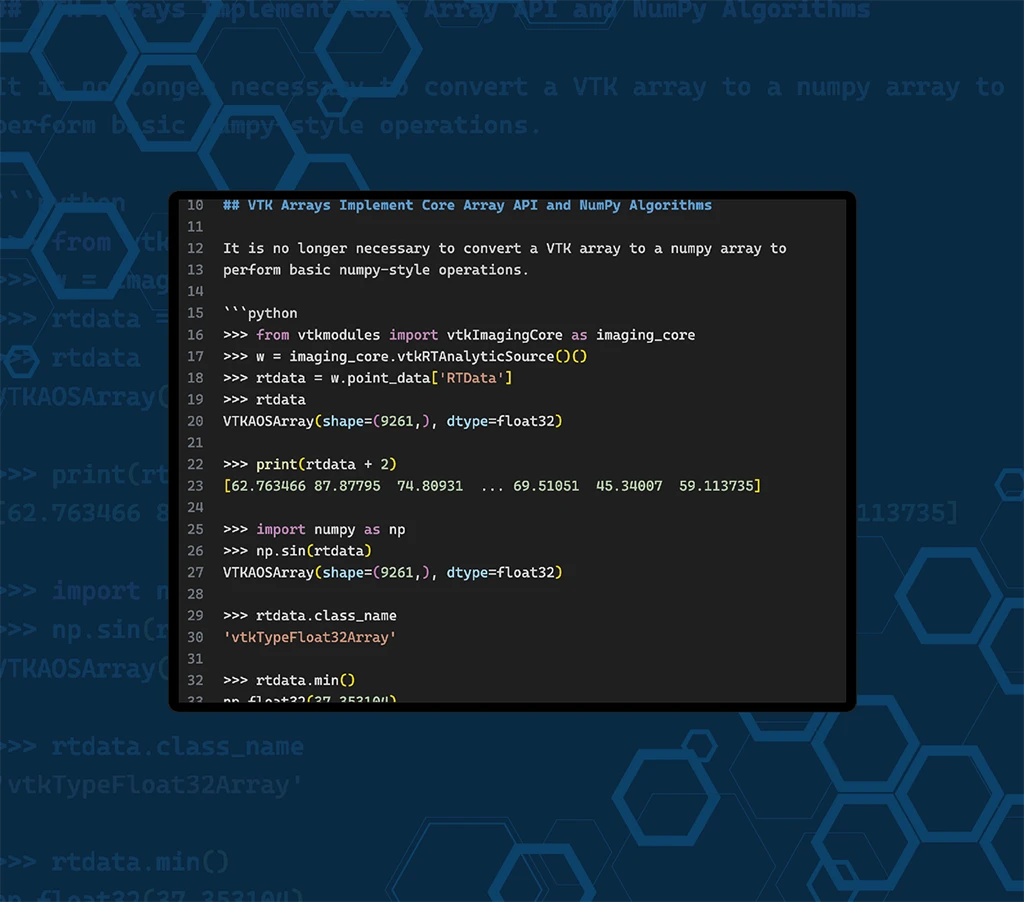
VTK Arrays Implement Core Array API and NumPy Algorithms
It is no longer necessary to convert a VTK array to a numpy array to perform basic numpy-style operations.
>>> from vtkmodules import vtkImagingCore as imaging_core
>>> w = imaging_core.vtkRTAnalyticSource()()
>>> rtdata = w.point_data['RTData']
>>> rtdata
VTKAOSArray(shape=(9261,), dtype=float32)

>>> print(rtdata + 2)
[62.763466 87.87795  74.80931  ... 69.51051  45.34007  59.113735]

>>> import numpy as np
>>> np.sin(rtdata)
VTKAOSArray(shape=(9261,), dtype=float32)

>>> rtdata.class_name
'vtkTypeFloat32Array'

>>> rtdata.min()
np.float32(37.353104)

>>> print(rtdata[0:10])
[ 60.763466  85.87795   72.80931   95.53708   84.5918   103.03485
  94.97672  107.54819  102.903145 108.49818 ]

>>> rtdata_p_1 = rtdata + 1
>>> rtdata_p_1[0:10] = 0
>>> print(rtdata_p_1)
[ 0.        0.        0.       ... 68.51051  44.34007  58.113735]

>>> w.point_data['rtdata_p_1'] = rtdata_p_1
You might think that this is essentially the same as before. It is not. It is fundamentally different. These are actual VTK arrays (like vtkFloatArray) that behave like numpy arrays. Last time, point_data handed you a numpy array that happened to point to VTK’s memory, and isinstance(elev, numpy.ndarray) was True. Not anymore:
>>> from vtkmodules import vtkCommonCore as common_core
>>> isinstance(rtdata, np.ndarray)
False
>>> isinstance(rtdata, common_core.vtkDataArray)
True
As such, they can be used anywhere a VTK array can be used. If you have a function that insists on an actual numpy array, you cannot use these arrays directly. You have to do:
>>> rtdata.to_numpy()
array([60.763466, 85.87795 , 72.80931 , ..., 67.51051 , 43.34007 ,
      57.113735], shape=(9261,), dtype=float32)
Why does this matter? Well, it makes VTK arrays first class python citizens that implement core array functions. We are looking into implementing more of the Python array API standard in the future.
Many Array Types
So far, we have seen one type of VTK array, vtkTypeFloat32Array, which is an AOS array. This means that the array is contiguous and in case it stores something with multiple components, it is stored as (x0, y0, z0, x1, y1, z1, …) in memory. This is one of the VTK arrays that is compatible with numpy. However, in VTK, we deal with other array layouts for two reasons: we get the data from some other code coupled to VTK and we want to save memory by implicitly representing values (think of an efficient numpy.arange()).
Let’s start with an example of the first case: SOA array. The layout for this array is the same as the AOS if you have 1 component. If you have more however, each component is stored as a separate array in memory. To demonstrate, let’s create one:
>>> _ones = np.ones(100, dtype=np.float32)
>>> soa_array = common_core.vtkSOADataArrayTemplate[np.float32]([_ones, _ones*2, _ones*3])
First note that we can actually create templated arrays! vtkSOADataArrayTemplate[np.float32] is a vtkSOADataArrayTemplate<float32>. Second note that we are directly creating a VTK array. No numpy helpers. This array’s memory layout is not compliant with numpy. Finally, notice the 3 arrays in the constructor. This is an array with 3 components:
>>> soa_array[0, :]
array([1., 2., 3.], dtype=float32)
and supports the same operations as the AOS array:
>>> print(soa_array + 2)
[[3. 4. 5.]
[3. 4. 5.]
[3. 4. 5.]
[3. 4. 5.]
...

>>> print(np.sin(soa_array))
[[0.841471  0.9092974 0.14112  ]
[0.841471  0.9092974 0.14112  ]
[0.841471  0.9092974 0.14112  ]
[0.841471  0.9092974 0.14112  ]
...

>>> soa_array.min(axis=0)
array([1., 2., 3.], dtype=float32)
The SOA array was constructed with zero copy.
>>> _ones[0:2] = 2

>>> print(soa_array)
[[2. 2. 3.]
[2. 2. 3.]
[1. 2. 3.]
...
You can construct a numpy array from it. Unlike the previous case, this is not zero copy (because a single numpy array cannot refer to multiple pointers).
>>> soa_array.to_numpy()
array([[2., 2., 3.],
      [2., 2., 3.],
      [1., 2., 3.],
      [1., 2., 3.],
      ...
You can mix and match AOS and SOA arrays:
>>> aos_array = common_core.vtkFloatArray(np.ones((100, 3)))
>>> (soa_array + aos_array)[0]
array([3., 3., 4.], dtype=float32)
Next we have, implicit arrays: constant, affine, structured point. Let’s show affine array, which is equivalent to arange.
>>> _arange = common_core.vtkAffineArray[np.float64](100, slope=3)

>>> _arange.to_numpy()
array([  0.,   3.,   6.,   9.,  12.,  15.,  18.,  21.,  24.,  27.,  30.,
        33.,  36.,  39.,  42.,  45.,  48.,  51.,  54.,  57.,  60.,  63.,
        66.,  69.,  72.,  75.,  78.,  81.,  84.,  87.,  90.,  93.,  96.,
        ...

# array is not expanded for basic functions
>>> _arange + 2
VTKAffineArray(slope=3.0, intercept=2.0, num_values=100, dtype=<class 'numpy.float64'>)

# expanded when necessary
>>> np.sin(_arange)
VTKAOSArray(shape=(100,), dtype=float64)
Here is the list of arrays that are currently supported in Python.
- AOS:
vtkAOSDataArrayTemplate, vtkTypeXXXArray, vtkXXXArray - SOA:
vtkSOADataArrayTemplate - Affine:
vtkAffineArray(e.g.compact numpy.arange()) - Constant:
vtkConstantArray(constant value) - Indexed array:
vtkIndexedArray(an array indexed by anothera[i] = _a[_idx[i]])) - Composite array:
vtkCompositeArray(appends multiple arrays (of any type) together) - Strided array:
vtkStridedArray(guess) - Structured point array:
vtkStructuredPointArray(thinknumpy.meshgrid())
The implicit ones deserve a blog of their own. Later.
Round trip
Let’s put the two worlds together. We compute a new array with numpy, hand it to VTK without any conversion, run a filter, and look at the result with numpy again.
>>> from vtkmodules import vtkFiltersCore as filters_core
>>> sqrt_rtdata = np.sqrt(rtdata)
>>> sqrt_rtdata.range
(6.111718654632568, 16.638174057006836)

>>> w.point_data['sqrt_rtdata'] = sqrt_rtdata
>>> np.shares_memory(w.point_data['sqrt_rtdata'], sqrt_rtdata)
True

>>> contour = filters_core.vtkContourFilter(input_array='sqrt_rtdata', contour_values=[12])
>>> iso = contour(w)
>>> iso.point_data['sqrt_rtdata'].range
(12.0, 12.0)
A few things to note:
np.sqrt()returned avtkTypeFloat32Array(avtkFloatArray), so range just works on it. That is a VTK property (it callsGetRange()) on the result of a numpy function.- Assigning it to
point_datacopies nothing. The dataset gets a new VTK array object that points to the same memory (a shallow copy, so that your array’s name does not change from under you). - The contour output comes back with arrays that behave the same way. Every point on an iso-surface of 12 should have the value 12, and it does.
There is no numpy_to_vtk() or vtk_to_numpy() anywhere in there. That is the whole point.
In my next blog, I will finally get into the philosophy of it all: why VTK arrays stopped being numpy arrays, and why I think that is the right call.
Thanks to David Gobbi, Spiros Tsolakis, Julien Fausty, Charles Gueunet, Timothée Chabat and Mathieu Westphal for their contributions to this work.